Common Receipt Printer Issues and How to Fix Them Quickly
A smooth checkout experience is one of the most important parts of running a store, café, restaurant, or any customer-facing business. When customers line up during busy hours, the last thing you want is a slow or faulty Receipt Printer. Even a small issue can cause delays, long queues, and unnecessary frustration for both customers and staff.
The good news is that most Receipt Printer problems are very easy to fix. With a little understanding and a few simple steps, you can get your printer running perfectly in minutes.
This guide explains the most common Receipt Printer issues and how you can fix them quickly using simple language. Whether you're new to POS systems or have used them for years, these solutions will help you keep your checkout running smoothly.
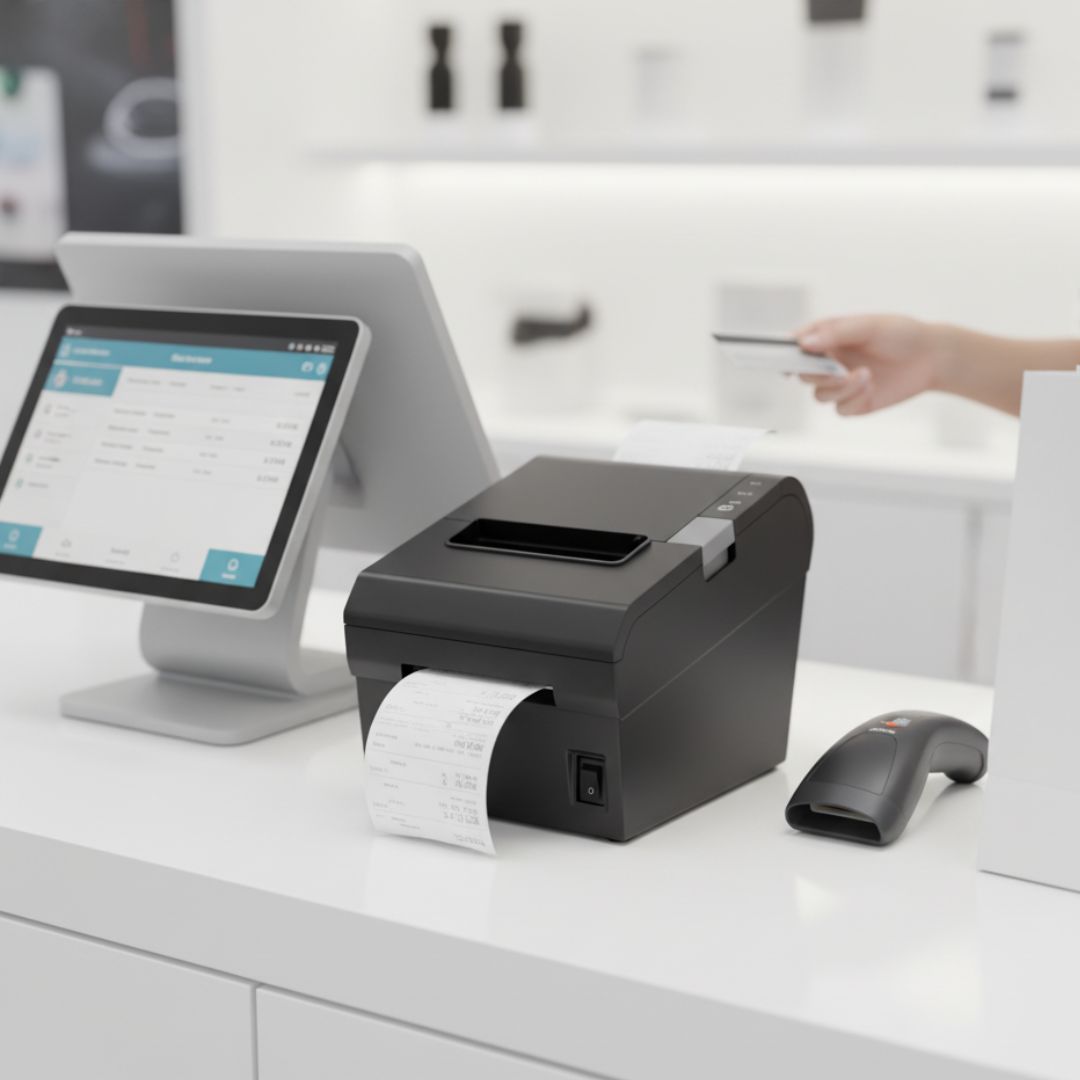
1. Printer Not Turning On
One of the most common issues is when the printer simply doesn’t power on. Before assuming it is faulty, check these simple things:
Quick Fixes
- Check the power cable: Make sure the cable is firmly plugged into both the printer and the power outlet.
- Try a different outlet: Sometimes the socket is the problem, not the printer.
- Inspect the power switch: Many Receipt Printers have the switch on the side or back. Make sure it’s turned on.
- Look at the power adapter: If it's damaged or loose, the printer won’t start.
In most cases, the issue is just a loose cable, and the fix takes seconds.
2. Blank Receipts or Faded Print
If your Receipt Printer is producing unreadable receipts or blank paper, it can disrupt billing and confuse customers. Thankfully, this is one of the easiest problems to solve.
Why It Happens
- The thermal paper is loaded incorrectly.
- The paper roll is not thermal or is of poor quality.
- The print head is dirty.
Quick Fixes
- Check paper direction: Thermal paper works only on one side. Flip the roll and try printing again.
- Use good-quality paper: Cheap rolls often fade quickly or don’t respond well to heat.
- Clean the print head: Gently wipe it with a soft cloth to remove dust or residue.
A simple paper flip solves this issue most of the time.
3. Paper Jams
Paper jams happen when the paper roll is not placed correctly or if the printer is dusty inside. It can stop the entire billing process but is usually quick to fix.
Quick Fixes
- Turn off the printer before clearing the jam.
- Open the top cover and remove the stuck paper gently.
- Reload the roll, ensuring it's aligned properly.
- Close the cover firmly so the cutter can work smoothly.
To avoid future jams, always place the paper roll neatly and avoid tugging the paper while printing.
4. Printer Not Connecting to POS System
Connectivity issues are common, especially with new setups or after moving equipment around. A Receipt Printer may stop responding because the POS system cannot detect its connection.
Quick Fixes
- Check the cable type: Make sure USB, Ethernet, or Serial cables are correctly connected.
- Restart your POS system and printer: This refreshes the connection.
- Check printer settings: Ensure the printer is selected as the default device.
- Try another port or cable: Sometimes the port is faulty.
If you use an Ethernet connection, make sure the network cable is connected to the same network as your POS system.
5. Slow Printing or Delayed Responses
A slow Receipt Printer can cause long queues and frustrated customers. If the printer starts printing slowly, it usually means there’s a simple issue behind it.
Quick Fixes
- Check paper quality: Poor-quality thermal paper slows down the heating response.
- Restart the printer: It may be overloaded if it has been printing continuously for hours.
- Limit heavy graphics: Very detailed logos slow down printing.
- Ensure good ventilation: Overheating can reduce printer speed.
Most slow-printing problems improve instantly after a quick restart or paper change.
6. Cutter Not Working Properly
Many Receipt Printers come with an auto-cutter that trims receipts neatly. When it stops working, receipts may tear unevenly or get stuck.
Quick Fixes
- Clear any tiny paper pieces stuck in the cutter area.
- Restart the printer to reset the cutter.
- Open and close the lid firmly: This often realigns the cutter mechanism.
Avoid pulling the paper forcefully, as it can damage the cutter over time.
7. Printer Shows Error Lights
Receipt Printers use simple blinking lights to indicate problems. While each model is slightly different, the most common causes include:
- Paper running out
- Paper cover open
- Printer overheating
- Connection issues
Quick Fixes
- Check the paper roll: Replace it if empty.
- Close the paper cover: Press firmly until you hear a click.
- Let the printer cool: If it’s been running too long, give it a few minutes.
- Check all cable connections: Ensure everything is plugged in properly.
Most error lights disappear as soon as the correct issue is fixed.
8. Receipts Are Crooked or Misaligned
If receipts print off-centre or unevenly, it makes them look unprofessional and harder to read.
Quick Fixes
- Reposition the paper roll to ensure it sits evenly.
- Check the paper guides and adjust them gently.
- Make sure the top lid closes properly.
This issue usually appears when the roll moves around due to improper placement.
9. Frequent Disconnection During Busy Hours
If your Receipt Printer disconnects often during rush hours, it could affect multiple customers at once. This usually happens due to:
- Overheated devices
- Loose cables
- Network interruptions
- Old printer drivers
Quick Fixes
- Keep the printer in a well-ventilated spot.
- Replace worn-out cables.
- Restart your router if you're using a network printer.
- Update your POS software or printer settings.
Keeping the cables tidy and secure can prevent frequent disconnections.
Also Read: Barcode Scanner Australia: Your One-Stop Shop for Leading Brands
10. Printer Not Recognized After Restart
Sometimes the POS system fails to detect the Receipt Printer after restarting. This can happen after updates or power cuts.
Quick Fixes
- Reconnect the cables and restart both devices.
- Ensure the printer is set as the default in your POS settings.
- Try a different USB port or switch Ethernet ports.
This is usually a temporary issue and resolves quickly.
How to Prevent Receipt Printer Problems
Prevention is always better than repair. Here are simple ways to keep your printer running smoothly:
- Use good-quality thermal paper.
- Keep the printer dust-free and clean.
- Avoid placing drinks or liquids near the checkout counter.
- Ensure the printer is placed on a stable surface.
- Avoid blocking the printer’s ventilation areas.
- Do not overload the power socket.
Regular maintenance can help avoid unexpected issues during peak hours.
When It’s Time to Replace Your Printer
If the same problem keeps happening even after troubleshooting, it may be time for an upgrade. Older printers become slower, louder, and less reliable over time. Newer models offer:
- Faster printing
- Quieter operation
- Longer cutter life
- Better connectivity
- Stronger durability
Final Thoughts
A dependable Receipt Printer helps your business handle customers quickly, reduces waiting time, and improves the overall checkout experience. With the simple solutions in this guide, you can fix most common printer problems in just a few minutes and keep your operations running without interruption. For businesses looking to upgrade to a more reliable and faster model, POS Central offers a range of quality Receipt Printers designed for smooth, everyday performance.